Product photography built for busy stores
Skip the studio.
Keep the margin.
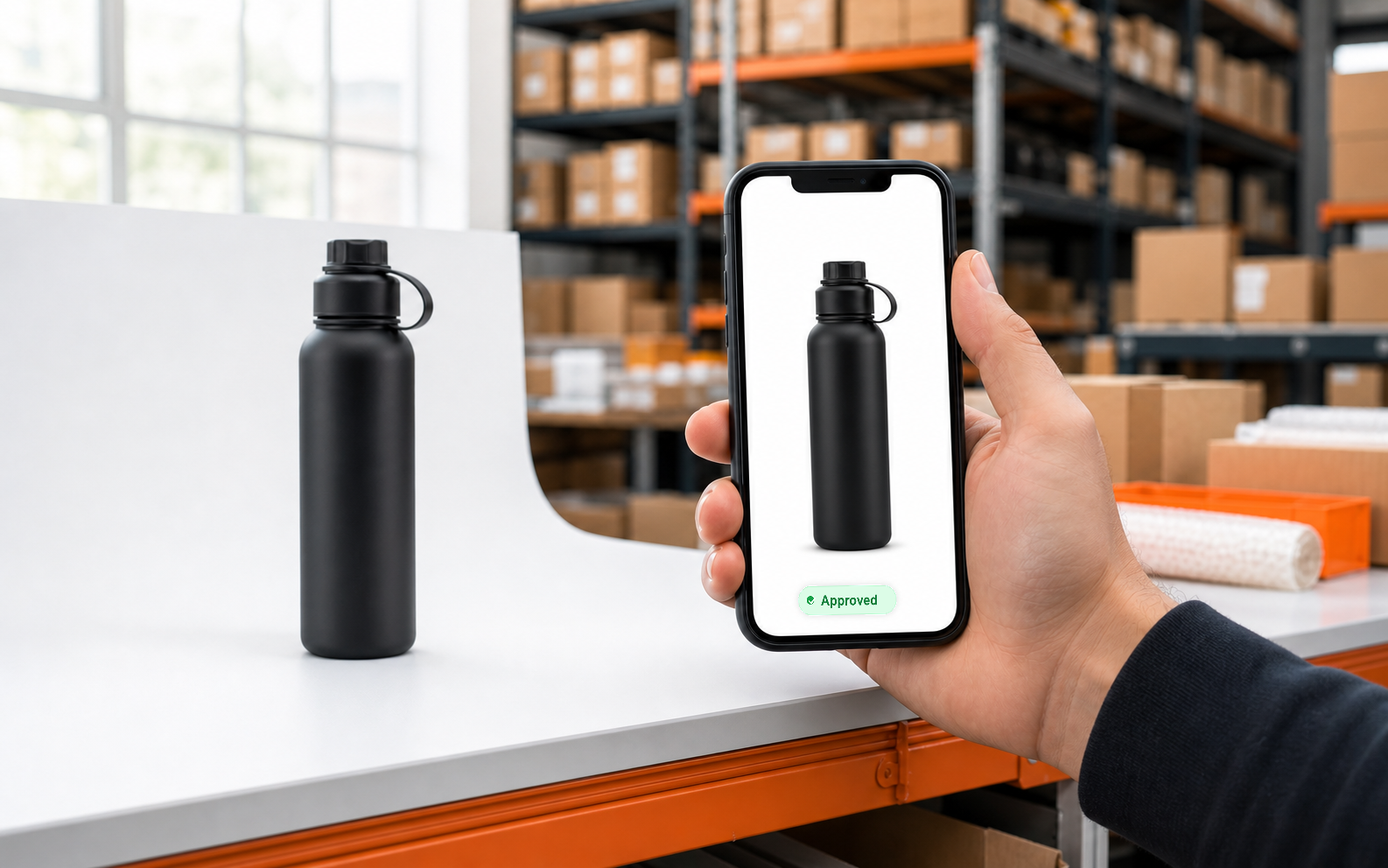
Scan the SKU, shoot the product with a warehouse phone, and let Shelfshoot remove the background, crop the image, and push it straight to your ecommerce platform.
1. Scan SKU
Scan a barcode or choose a product.
2. Shoot on phone
Capture the product right where it arrives.
3. AI cleans up
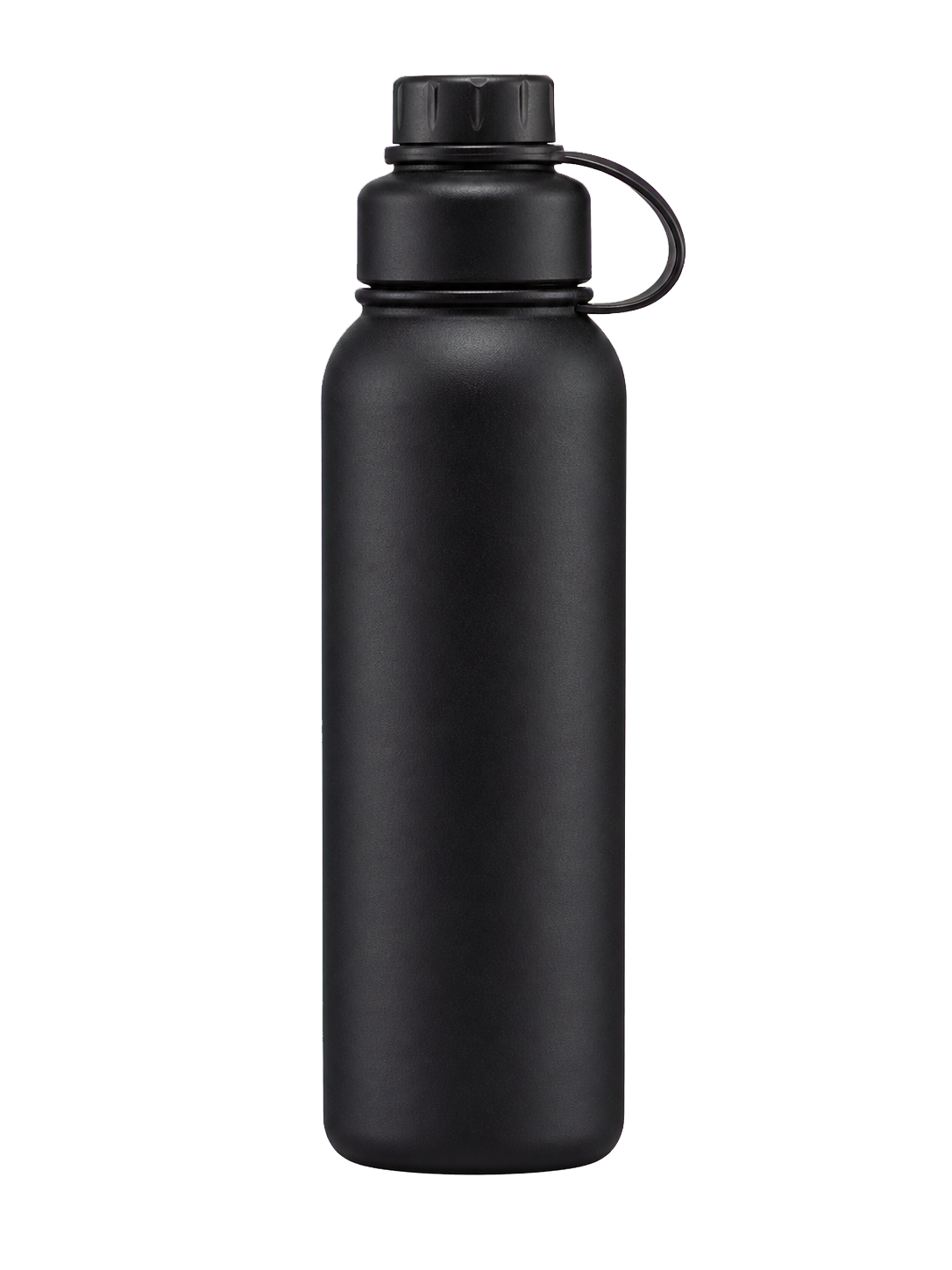
Background removal, crop, and export happen automatically.
4. Live in store
The image lands on the right product page.
Operational photo production
Everything the team needs, without the studio overhead.
45 seconds
From product scan to ready-to-publish image.
Lower image cost
Up to 87% cheaper per product photo.
iOS and Android
Use the phones your warehouse team already has.
Consistent catalog look
Same background, crop, and quality every time.
Direct integrations
Shopify, WooCommerce, Magento, Dandomain, and Shopware.
Safe by design
Your images and product data stay protected.
Not a photo app. A catalog production system.
Shelfshoot fits the daily warehouse routine: new products arrive, the team captures them at the shelf, AI cleans them up, and your store gets consistent product images faster.
Made for the warehouse
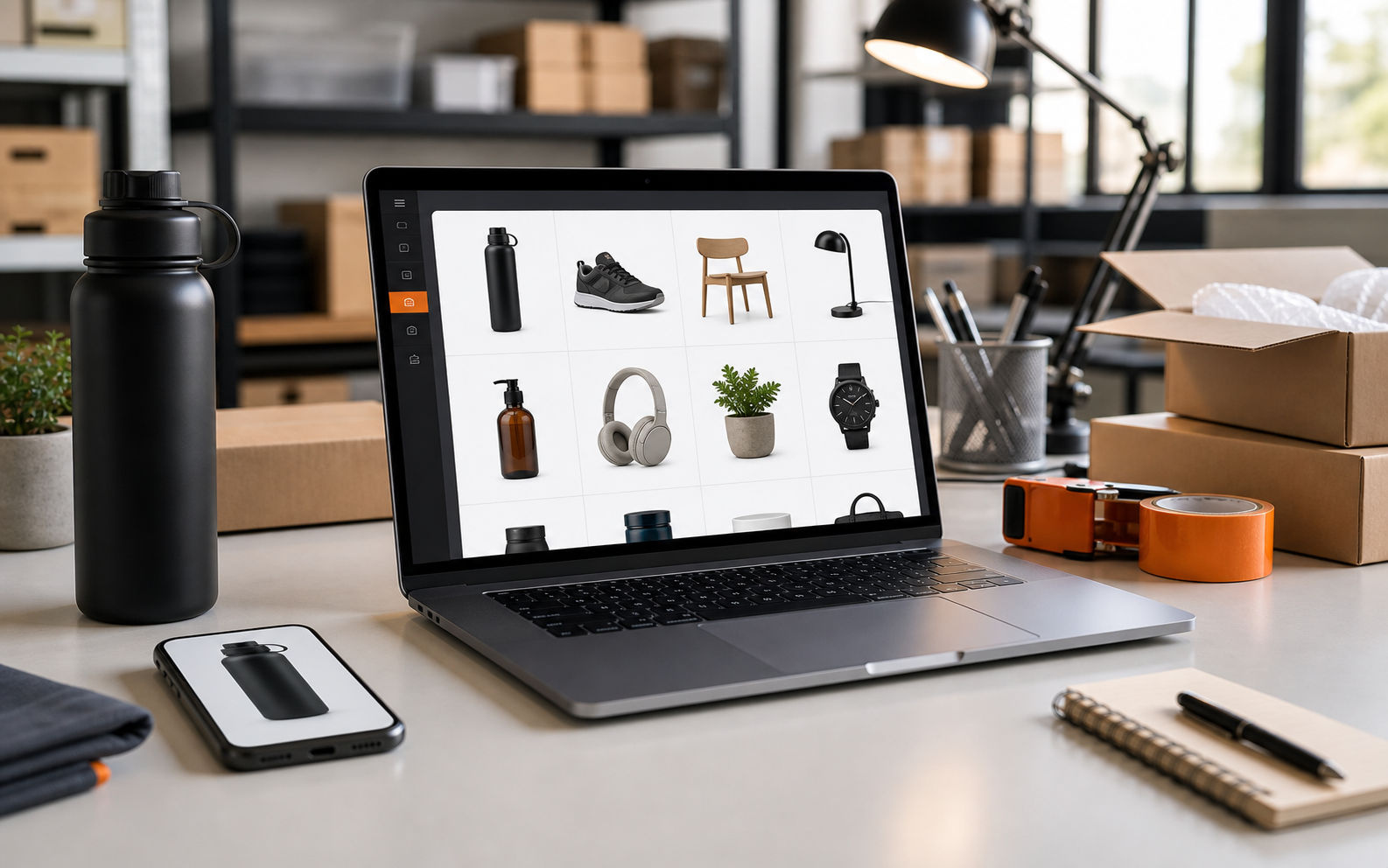
No perfect setup, no studio booking, and no specialist camera gear. A normal phone is enough.
Automatic clean-up
AI removes the background, crops the product, and exports images in a consistent catalog-ready format.
Direct to the store
Avoid folders, file names, and manual uploads. The image can be sent to the right product automatically.
Simple, transparent pricing
Pay per month with included scans — or per image via Shopify.
All prices are excl. VAT. Usage above the quota is billed per image.
Tools that pay for themselves.
Built for SMBs that prefer results over dashboards.
From shelf to store in 45 seconds. Warehouse phone product photography with auto background removal and direct upload to Shopify, WooCommerce, Magento, Dandomain, and Shopware.
Real-time event monitoring with intelligent noise classification. Catches what matters, silences what does not.
Fast, modern websites you can run yourself — built-in editing, no agency retainer, no dashboard sprawl.
Questions, answered
How can I get professional product photos without a photo studio?
Shelfshoot lets you shoot products with any phone and automatically removes the background, crops the image to a consistent square and publishes it to your store — so you get clean, catalogue-ready product photos without a studio, lightbox or manual editing.
How do I remove the background from product images automatically?
Scan the product's SKU and take a photo in the Shelfshoot app. Shelfshoot removes the background automatically and outputs a clean image on a consistent square canvas, ready to publish to your ecommerce platform.
How do I optimise product images for my ecommerce store?
Shelfshoot standardises every product image — background removed, cropped to the same square format and resolution — and pushes it to the matching product by SKU. This keeps a consistent catalogue look and removes manual uploads. It works with Shopify, WooCommerce, Magento, Shopware and any platform via API.
Which ecommerce platforms does Shelfshoot support?
Shopify (1-click embedded app), WooCommerce, Magento / Adobe Commerce, Shopware 6, and any other platform through the Own API integration or the public REST API.
How much does Shelfshoot cost?
Shelfshoot has self-serve monthly plans with included scans plus a small per-image fee beyond the quota. Shopify merchants are billed per image through Shopify Billing. A free demo is available without a card — see the pricing page for current plans.
Can I use my phone for ecommerce product photography?
Yes. Shelfshoot works on the iOS and Android phones your team already has — no dedicated camera or studio needed. The phone captures the product and Shelfshoot handles background removal, cropping and publishing.
Will the product photos look professional enough to sell?
Yes. Shelfshoot outputs clean, consistent images on a uniform square canvas — the look shoppers expect from a polished catalogue. Every SKU gets the same background, crop and resolution, so your store looks coherent instead of patchy. For lifestyle and social shots, the built-in AI photo studio adds styled scenes.
Is there a contract — can I cancel anytime?
No lock-in. You pay per month with included scans — or per image via Shopify. Either way, you can cancel anytime: there's no long-term contract, and your generated images stay yours. Start with 10 free images, no card required.
Can I create marketing and social media images too?
Yes. Beyond clean catalogue images, the AI photo studio turns the same product shot into styled scenes and the exact formats each channel needs — Shopify, Instagram, Facebook and Pinterest. Direct publishing to Instagram and Facebook is coming.